AI is a Multiplier. Curation is the Superpower.
AI ships bad ideas faster. Here's how designers should actually use it.
AI does not make bad ideas good
A fellow designer commented on my last article, "Where does design fit in all this?"
AI doesn't make bad ideas good, it just ships them faster. Design principles can turn those bad ideas into good ones.
My Expensive Lesson
SyncFab started in a Santa Monica Public Library conference room. We hustled to build the team, showed up to every event we could find, and poured thousands into countless product builds.
A significant chunk of those builds never got used.
Not because the team wasn't talented or lacked drive, but because we were building without clear direction. We were generating output without a strong foundation of user understanding, product direction, or design constraints.
This was all before AI. Now imagine making those same mistakes 10x faster.
Curation Is the Real Design Superpower
The hardest skill in AI-accelerated product development is not learning how to build. It's knowing what not to build. AI builds on the foundation you set. It doesn't lay it.
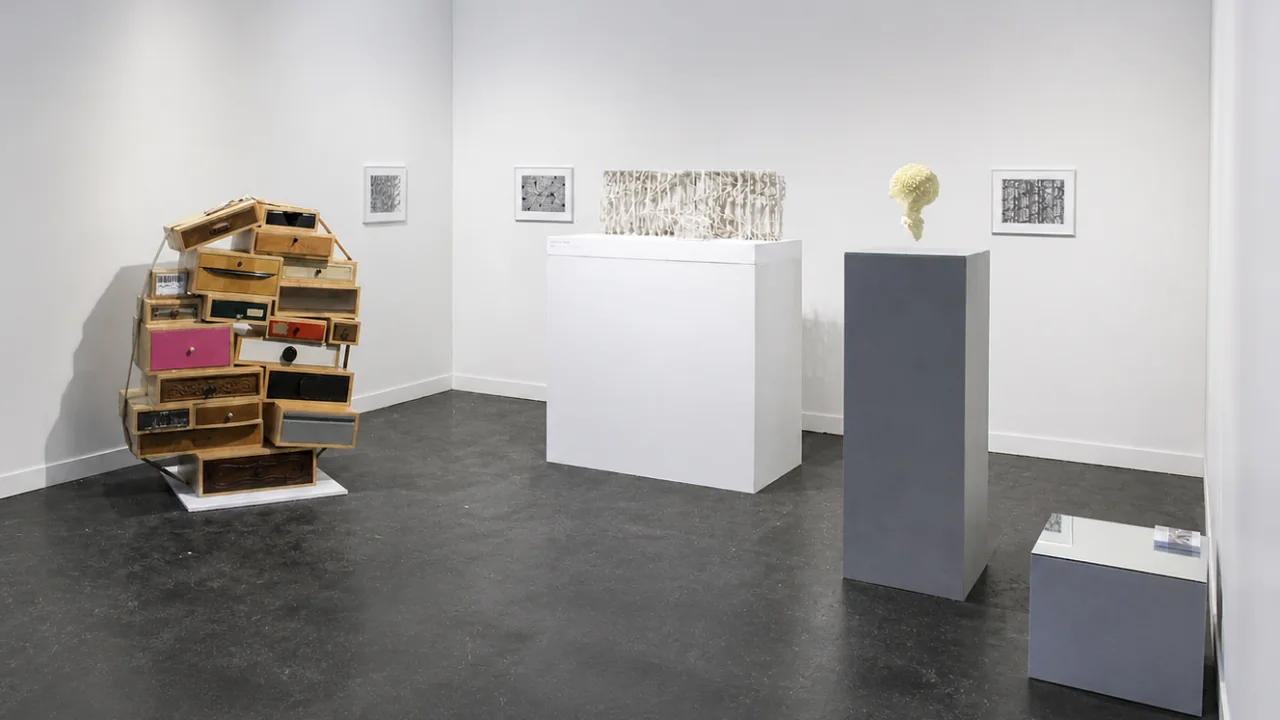
Every product starts with a problem worth solving. Then scope creep kicks in, one feature becomes fifteen, and a product that felt focused starts feeling like a junk drawer. AI doesn't cause that problem, but it absolutely speeds it up.
Think about Google Chrome quietly noticing when you switch between the same tabs on repeat and offering it's Split Screen feature. That is a deliberate design decisions someone had to fight for.
The best products aren't the ones with the most features. They're the ones where every feature earns its place. That's curation. That's judgment. No prompt generates that.
Easy Ways to Get Started in Practice
Define before you prompt. Write out your user, their goal, and the one friction point you're solving first.
Prompt: "I am designing for [user type] trying to [goal]. The biggest obstacle is [friction]. Map a user journey that addresses this."
Use AI to build your PRD (Product Requirements Document), instead of skipping it.
Prompt: "Here is my product concept: [description]. Generate a PRD with user stories, core features, out-of-scope items, and success metrics."
Create a custom project space for every build. ChatGPT Projects, Claude Projects, and Perplexity Spaces let you set a custom system prompt, add supporting docs, and reference links directly to a workspace. Drop in your design brief, brand guidelines, or PRD and every conversation stays aligned without re-explaining context each time.
Example System Prompt Template:
You are a [job or role].
Context: You are helping with [project or task].
Audience: [user type or reader type].
Tone: [clear, formal, friendly, direct, etc.].
Output: Return answers as [bullets, numbered steps, JSON, table, etc.].
Rules:
- Use [plain language / technical depth / reading level].
- Prioritize [speed / accuracy / mobile-first / completeness].
- Avoid [jargon / long paragraphs / unsupported claims].
- Each response must [include examples / stay under X words / give one action per step].
Apply these instructions to every response unless I say otherwise.
Audit before you add features.
Prompt: "Here is my current feature list: [list]. Which solve the same problem and could be consolidated or cut?"
Feed AI real behavior data. Pull from Hotjar or Clarity.
Prompt: "Here are friction points from our user sessions: [findings]. Suggest three UX improvements with design rationale."
Direction First. Restraint Always.
The creatives who thrive in this AI landscape know WHY they're building, WHO they're building for, and WHAT experience they're creating. That's the foundation AI cannot lay for you.
The clarity, the judgment, the taste? Still yours.
Curious how others are navigating this. Drop your approach below, and let me know if sharing my full prompt library would be worth a post.
#AIDesign #ProductDesign #UIUX #HumanCenteredDesign #CreativeEconomy